Blog
How AI tools like generative fill are changing post-production
Photoshop's generative fill extends backgrounds and removes objects without reshoots. Genuinely useful in specific situations, and still limited in others.
Photoshop's generative fill extends backgrounds and removes objects without reshoots. Genuinely useful in specific situations, and still limited in others.
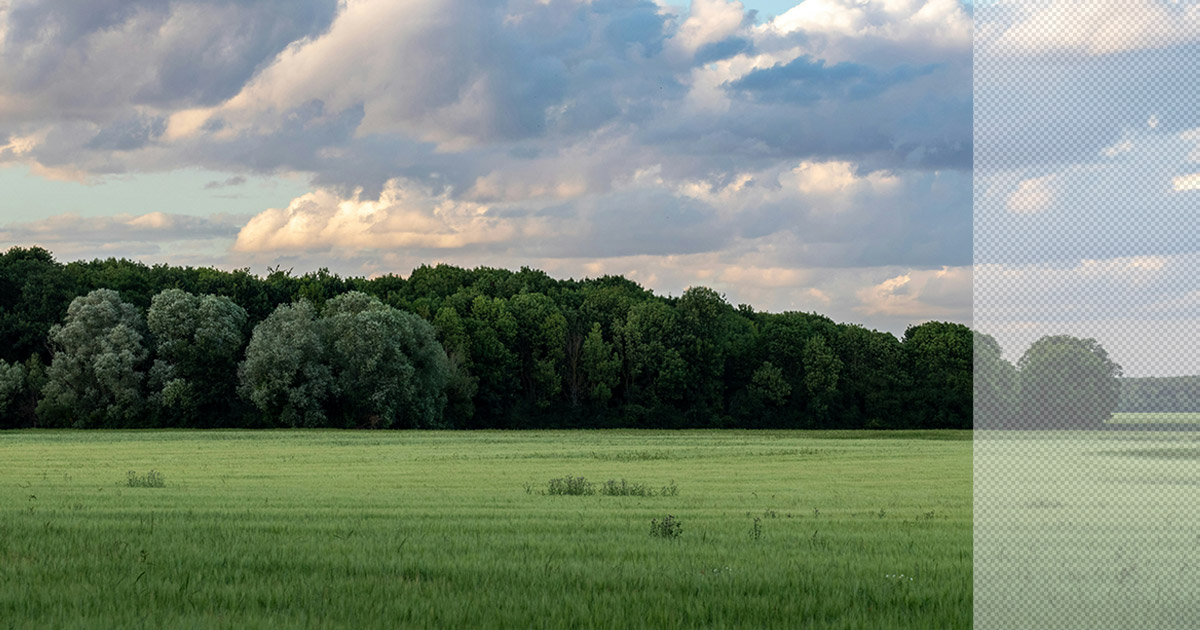
Photoshop's generative fill uses AI to extend or replace image content based on the surrounding context. Select an area, describe what you want (or leave it blank and let it interpret), and the tool generates new content that blends with the original. When it works well, the result is indistinguishable from a wider shot.
It's primarily a still-image tool, but its applications in video post-production are real and growing.
The most practical use case is extending backgrounds. If a shot was composed tighter than the edit requires, generative fill can widen the frame without a reshoot. For static or near-static frames, this works well enough for professional use.
Object removal is another legitimate application. A background distraction, an inadvertent logo, an element that wasn't cleared: generative fill can handle these with less manual work than traditional masking and cloning. The results vary, but for many situations it's a real time-saver.
It's also useful for creating extended still frames for thumbnail design, key art, and social assets derived from video content.
Generative fill doesn't solve motion. For dynamic footage with significant camera movement or fast-moving subjects, the tool's limitations become apparent quickly. The technology is improving, but this is still a tool for specific problems, not a general solution.
At Purple Donut Studios, we pay attention to what's changing in production and post-production technology. Not because every new tool is worth adopting, but because the right tools in the right hands produce better work more efficiently.
If you're curious about how we approach post-production, let's talk.